AI mobile app testing on real devices, without the device lab
AI mobile app testing runs your native iOS and Android app on real cloud devices, driven by an agent that taps, scrolls, and fills forms like a real user, then files the bugs it finds with a screenshot and steps to reproduce.
- Maintaining a device lab or an Appium suite is a job nobody wants.
- Mobile bugs show up on one OS version or screen size and not others.
- Manual mobile QA is slow, so it happens right before release, if at all.
Why mobile testing lags behind web
Native apps add device fragmentation, gestures, and store review on top of everything web testing already deals with. Appium scripts are brittle, real-device labs are expensive to keep, and emulators miss the bugs that only appear on real hardware.
How BugBrain does AI mobile app testing
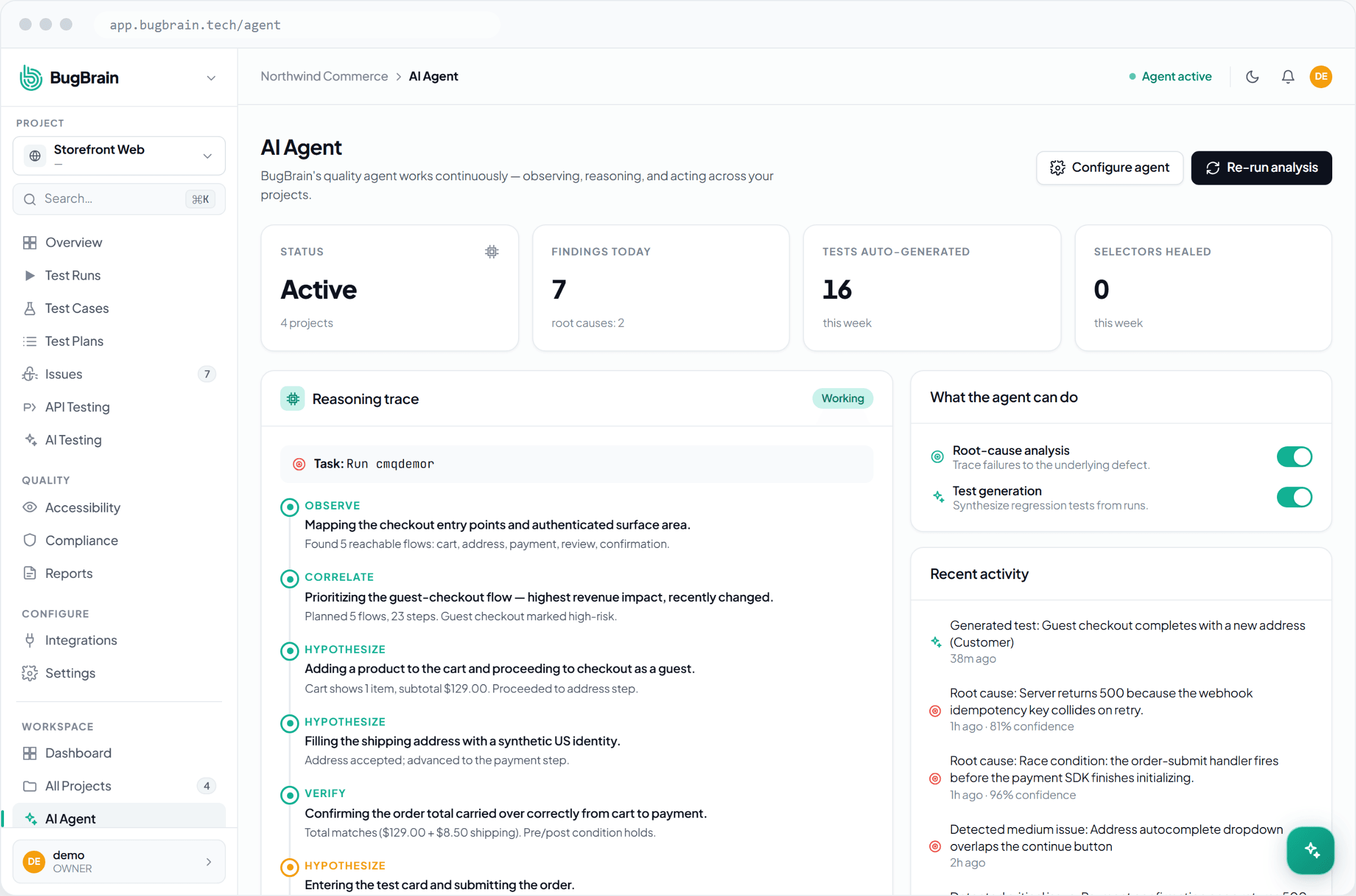
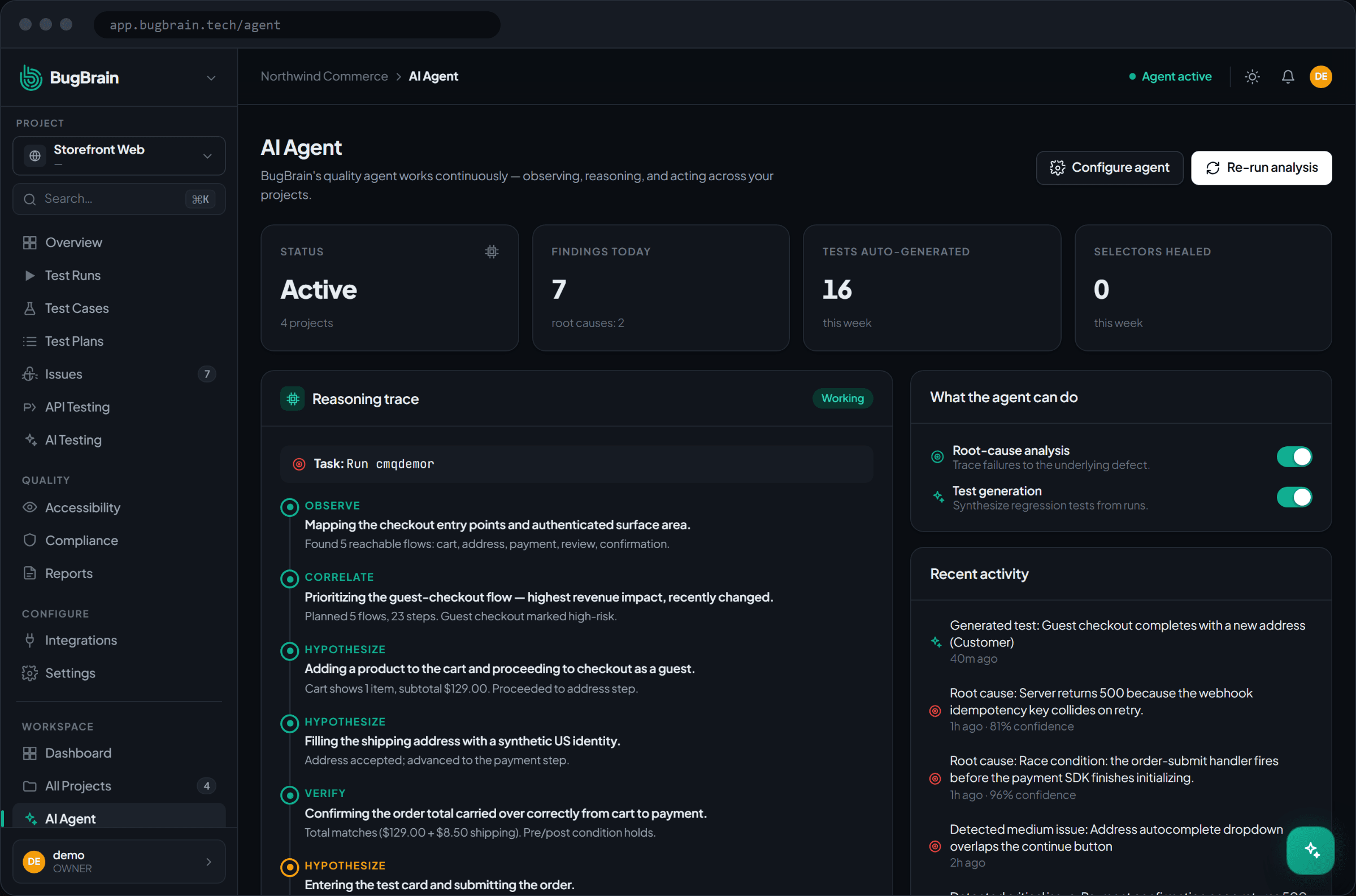
The same agent that explores your web app runs your native build on real iOS and Android cloud devices. It navigates real screens, exercises the flows that matter, and files each bug with a screenshot and clear steps. You get mobile coverage without writing or maintaining device scripts.
What you get
- Native iOS and Android runs on real cloud devices
- Agent-driven exploration, no Appium scripts to maintain
- Verified bugs with screenshots and steps to reproduce
- The same workflow, reports, and integrations as your web tests
Frequently asked questions
Does BugBrain test native mobile apps or just mobile web?
It tests native iOS and Android builds on real cloud devices, driven by the same AI agent used for web. Mobile app testing is a metered add-on you enable when you need it.
Do I need to write Appium or XCUITest scripts?
No. The agent explores your app and drives the flows on its own, so there is no device-specific script to author or maintain.
Keep exploring
See it on your own app
Start free in minutes. No credit card, and no scripts to write.